
“AI graphic design GFXRobotection” matches an article on gfxrobotection.com about protecting digital artwork. However, the public pages reviewed do not establish that GFXRobotection offers a working design app with the features described. Treat those product claims as unverified.
If you want to create pictures or protect your designs, start by separating those tasks. Making an image, recording its history, and finding copies require different features.
Information checked on October 22, 2026.
What does GFXRobotection refer to?
The GFXRobotection homepage presents the website as a source of technology articles. Its subjects include robotics, software, gadgets, and artificial intelligence, often called AI. It also lists an article titled “Ai Graphic Design Gfxrobotection.”
That article discusses hidden watermarks, searches for copied artwork, and records of when files were created. It also makes broad claims about how these methods protect designs. Those statements describe what the article claims; they do not demonstrate that a GFXRobotection app performs those tasks.
This review did not confirm a working GFXRobotection editor, clear software pricing, or detailed product instructions. That leaves too little evidence to explain how to use it as a design tool.
What can AI graphic design tools actually do?
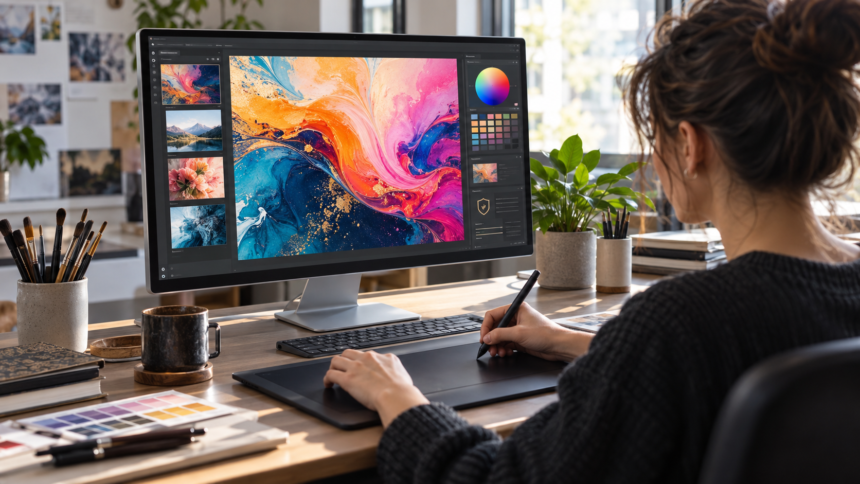
AI graphic design means using artificial intelligence to help make or change visual work. One example is turning a written description into an image.
Adobe Firefly documents this feature. You enter a description, called a prompt, and generate images based on it. You can then change the description or settings to explore other results.
For a hypothetical school poster, a prompt might say:
A simple illustration of children planting a tree, with green and yellow colors.
The picture is only one part of the poster. You still need to check whether it suits the message and leaves room for clear text.
An image generator’s features do not establish what GFXRobotection can do. Each product needs its own supporting documentation.
Creating, identifying, and finding images are different jobs
These tasks can sound similar, but they answer different questions:
| Task | Question it answers | Documented example |
|---|---|---|
| Generate an image | “Can I make a picture from a description?” | Adobe Firefly |
| Detect a hidden AI watermark | “Does this contain a recognized AI marker?” | Google SynthID |
| View recorded history | “What information is attached about its creation or edits?” | Content Credentials |
| Search using an image | “Where can I find this image or similar pictures?” | Google Lens |
These examples have official documentation for the functions listed. They are not confirmed GFXRobotection features. Firefly
Hidden watermarks
A hidden watermark is a mark that people cannot normally see. A compatible detector can look for it.
Google’s SynthID adds such marks to supported AI content. Google says its image watermarks are designed to survive changes such as cropping, filters, and compression, which reduces file size. This identifies marked AI content; it does not prevent someone from copying the image.
Content Credentials
Content Credentials can carry information about a file’s source and editing history. This is called provenance, which simply means where something came from.
Think of them as an attached history label. Reading that label is a different task from blocking downloads or searching for copies online.
Image searches
Google Lens can return similar images and websites containing the same or a similar picture. That makes it a useful starting point when checking where an image appears. A search result still needs human review.
What should you check before choosing a tool?
Before paying for any design or artwork protection service, look for clear answers:
- Access: Can you open a working editor or demonstration?
- Features: Do the instructions explain the exact task you need?
- Cost: Are charges and usage limits clearly stated?
- Privacy: What happens to uploaded files? Are they used to train AI?
- Downloads: Can you save your work in the format you need?
- Evidence: Are protection claims supported by explained tests and clear limits?
For a protection service, also ask what it searches and what happens after a match. Finding a similar image and stopping unwanted use are separate steps.
A useful next step
Choose one clear goal first. If you need a picture, look for a documented image generator. If you need to find copies, start with an image search. If you want to record a file’s history, explore Content Credentials.
For GFXRobotection specifically, request a working demonstration and product instructions before relying on its claimed features.